Legal document and comparison solutions. Built with lawyers.
Draftable builds trusted legal technology with lawyers, for lawyers. Generate redlines in Word, Outlook and your document management system, and send every file clean. Precise, reliable and easy to use, Draftable works inside the tools legal teams already rely on, so they can focus on what they do best.

Trusted by 1,400+ law firms and legal teams globally.










"Draftable has not just replaced our previous system, it has given us additional functionality and has been warmly received by our colleagues."
Damien Behan
IT Director, Brodies

Document solutions for legal teams & law firms
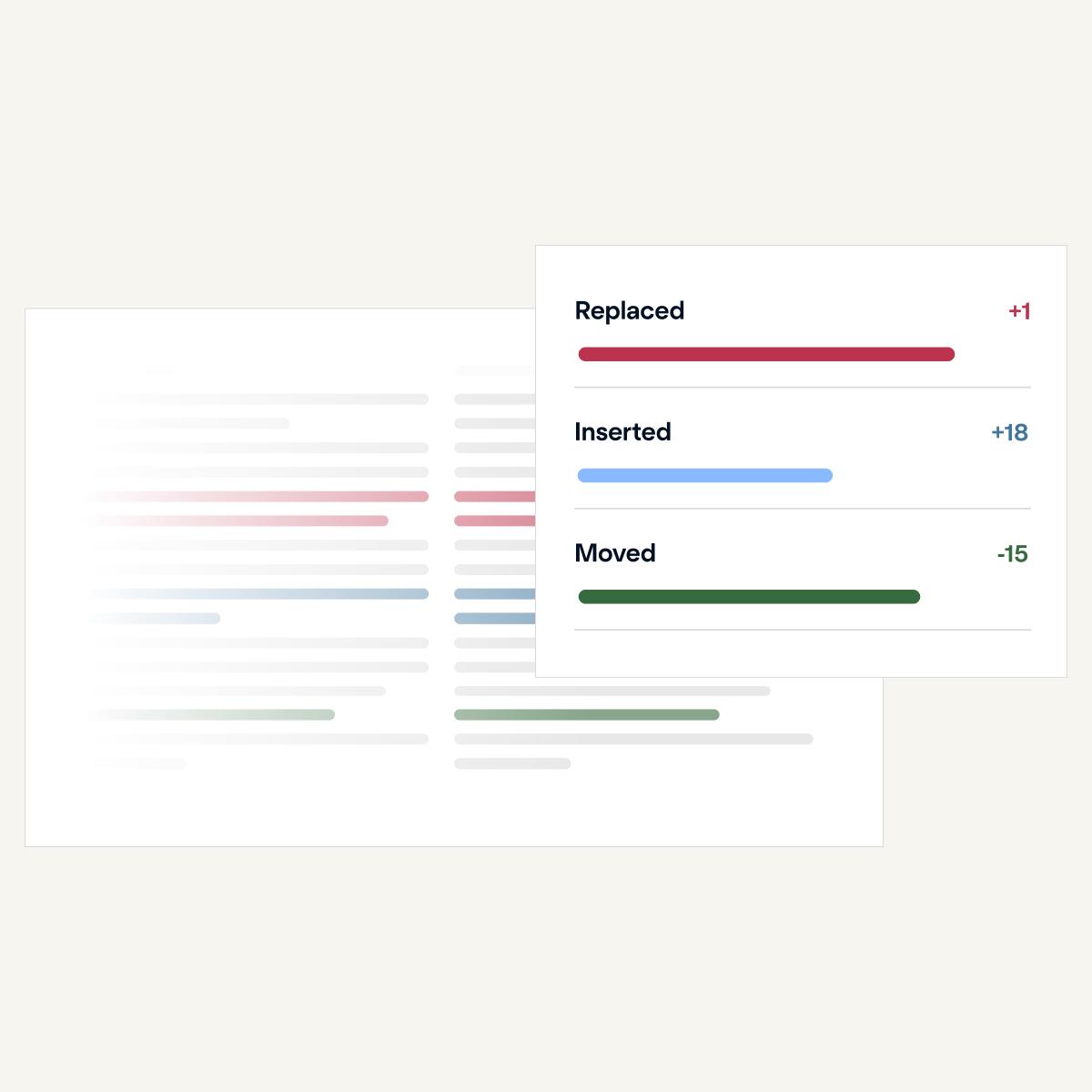
Draftable Compare
Precision document comparison, built with lawyers, that catches every change. See redlines in Word, PDF, PowerPoint, Excel and Outlook or compare side by side. Designed to handle complex contracts, agreements, and regulatory documents with ease and works in the tools lawyers already use, including their DMS, like iManage and NetDocuments.
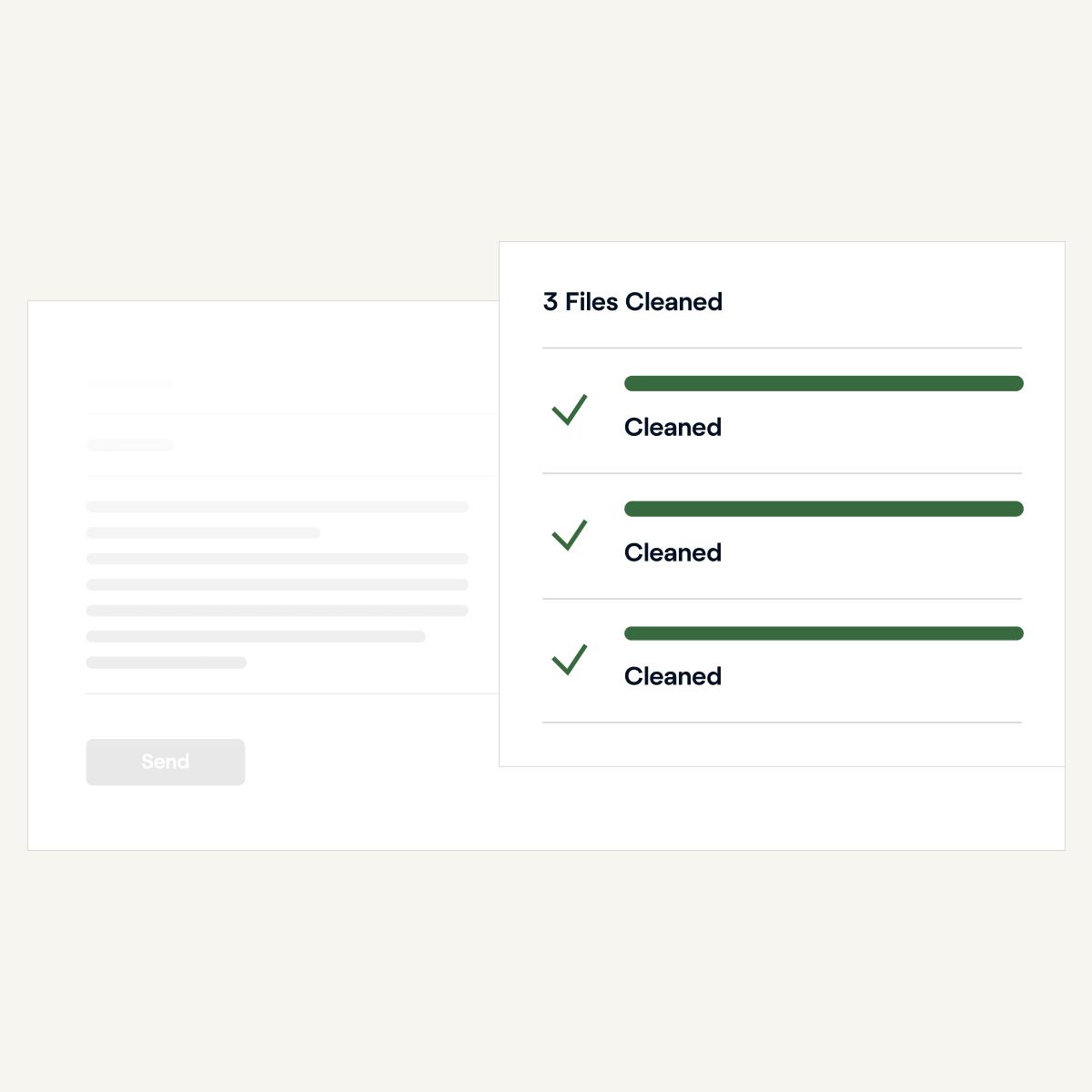
Draftable Clean
Clean is a metadata scrubbing solution that removes hidden metadata from documents before they leave your firm. Every document sent is clean, controlled and confident.
"Draftable has exceeded our expectations in every way. The high-quality software and features have made it an indispensable tool for our team."
Bill Tanner
Chief Information Officer, Allens

"The team was incredibly easy to work with, and they made the entire process smooth and stress-free. I'd recommend any firm to give Draftable a try."
Tony Buffkin
Director of IT, Slevin & Hart

"Draftable has exceeded our expectations in every way. The high-quality software and features have made it an indispensable tool for our team."
Bill Tanner
Chief Information Officer, Allens
"The team was incredibly easy to work with, and they made the entire process smooth and stress-free. I'd recommend any firm to give Draftable a try."
Tony Buffkin
Director of IT, Slevin & Hart
Accuracy, security and the systems your firm already runs

Customer satisfaction 95%+
Easy to use from the start. Expert support whenever you need it.

Enterprise-grade security
ISO 27001:2022 Certified · SOC 2 Type 2 Audited · GDPR Compliant

Integrates to the tools where lawyers work
Microsoft 365, Outlook, SharePoint, iManage, NetDocuments and more
Compare for non-legal teams
Compare on Desktop and Compare in your systems

Compare documents easily from the privacy of your desktop, no matter what file types you work with. Compare PDF, Word, PowerPoint and Excel files with confidence and never miss a change.

Draftable's REST API gives you accurate, secure document comparison at scale, wherever you need it. Customise every detail to fit your workflow.

Why law firms rate Draftable
"Support has been great (on this ticket and on others w/in the past month). Have appreciated the support provided by Nick A., Russell W., and Jack G. Thanks."
Todd A. Varde
Hill Ward Henderson

"Fast, efficient, on-point and available for unrelated on-the-spot questions during the call. Couldn't ask for more."
AviaLaw PLLC

"Draftable made the whole experience incredibly easy. We had it up and running for all users in just a few hours and we love how fast it runs in comparisons."
Glen Glorioso
Director of IT, Messner Reeves

"Support has been great (on this ticket and on others w/in the past month). Have appreciated the support provided by Nick A., Russell W., and Jack G. Thanks."
Todd A. Varde
Hill Ward Henderson
"Fast, efficient, on-point and available for unrelated on-the-spot questions during the call. Couldn't ask for more."
AviaLaw PLLC
"Draftable made the whole experience incredibly easy. We had it up and running for all users in just a few hours and we love how fast it runs in comparisons."
Glen Glorioso
Director of IT, Messner Reeves